Capture your screen, annotate,
and share a link.
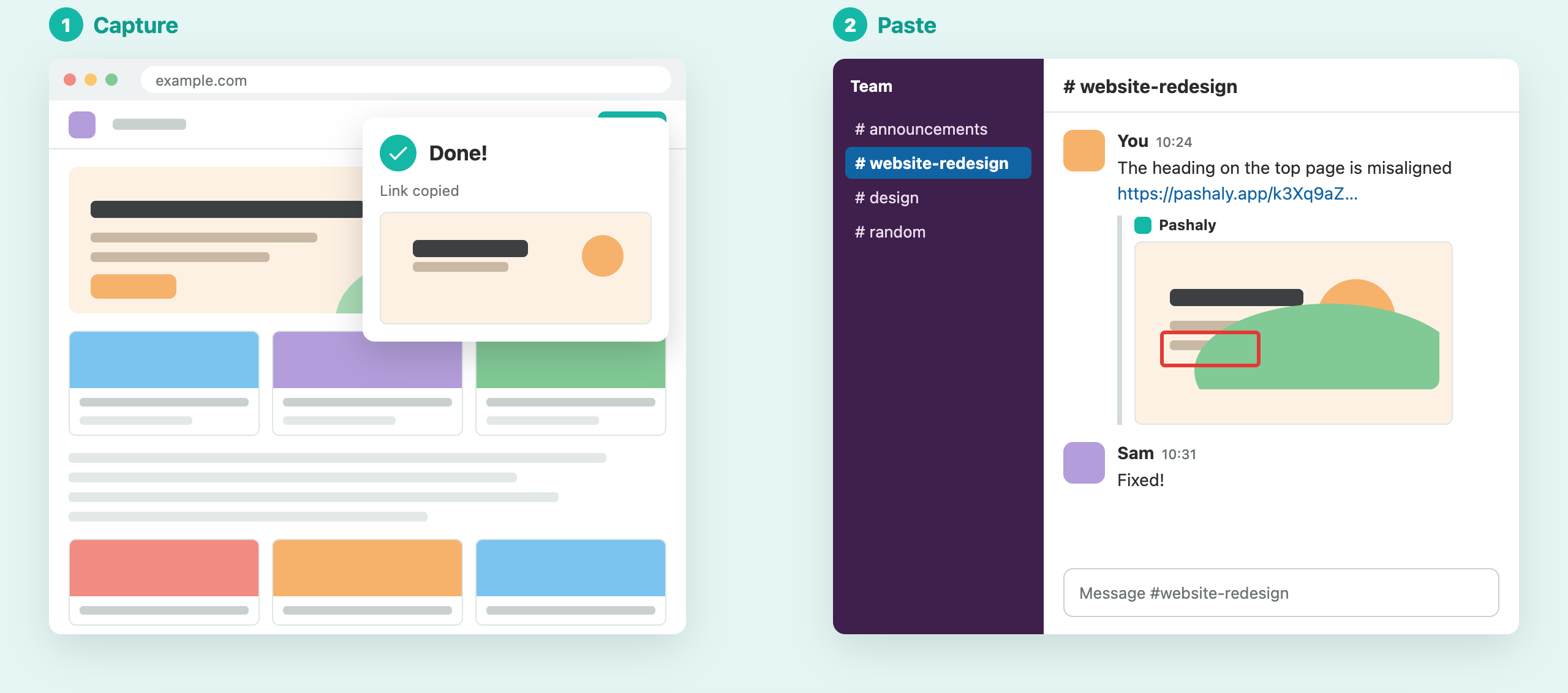
Capture in Chrome and the share link is copied right away.
Paste it into chat or email, and they can see it instantly.
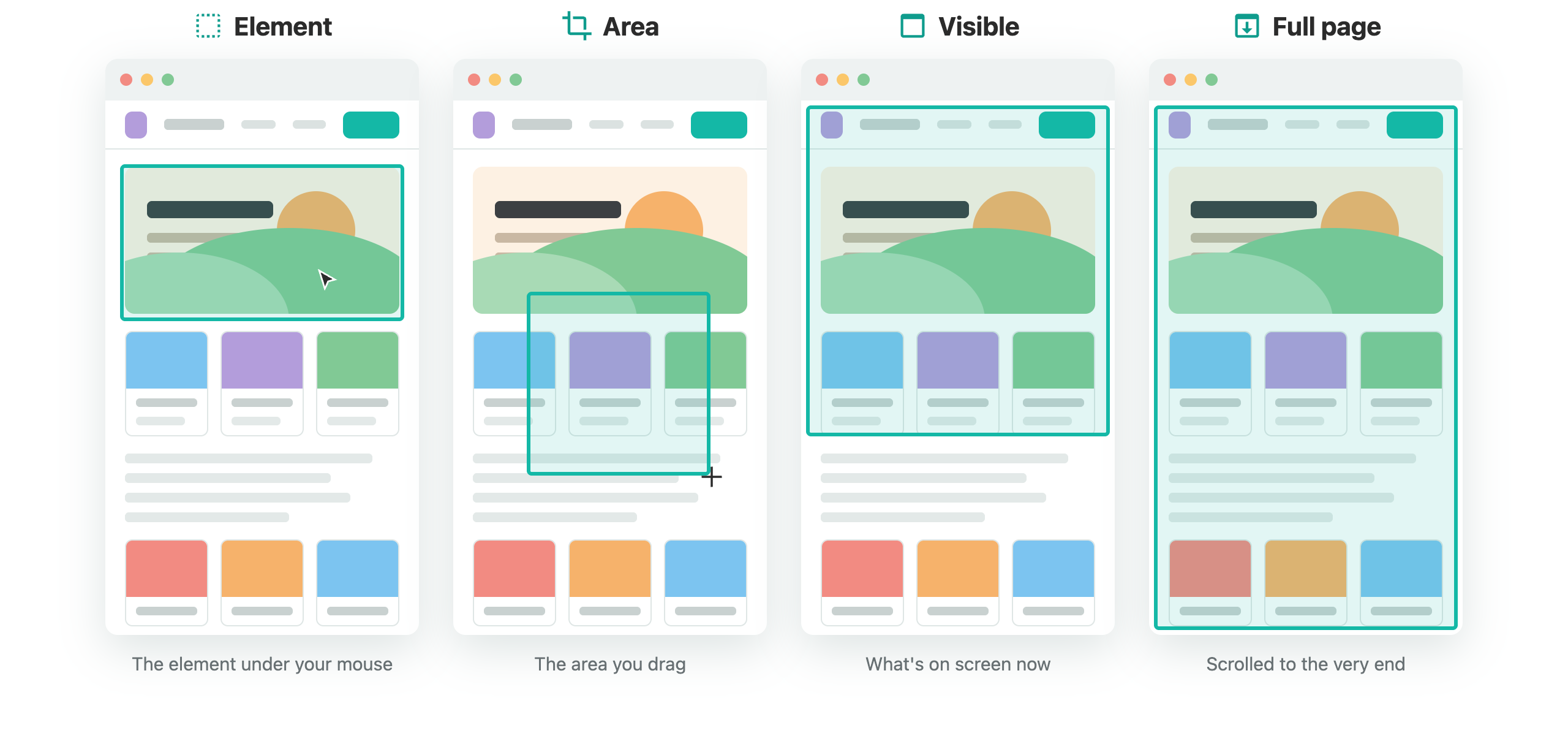
Four ways to capture
Just the part you want, right away.
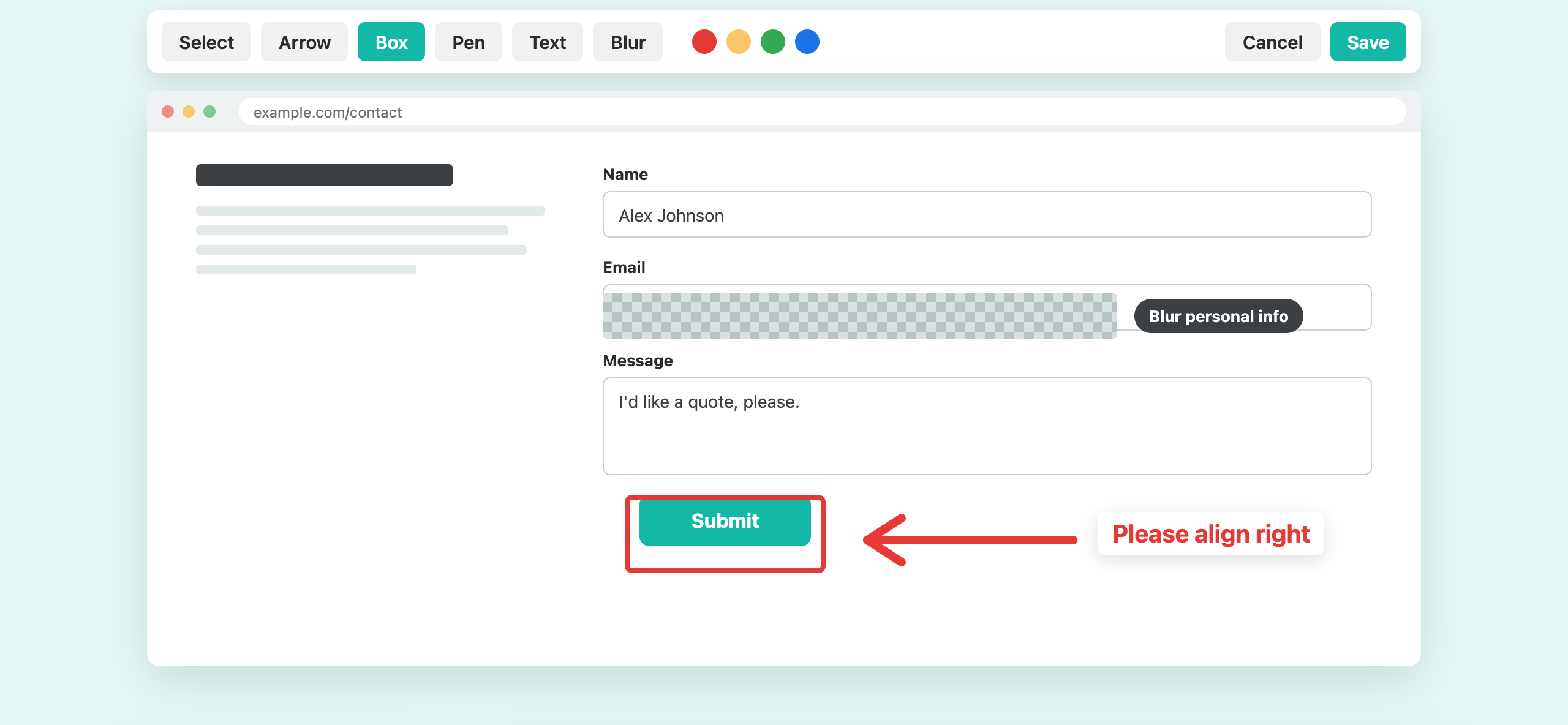
Arrows and text make it clear
Blur what you don't want to show. Edit again and the link you shared still works.
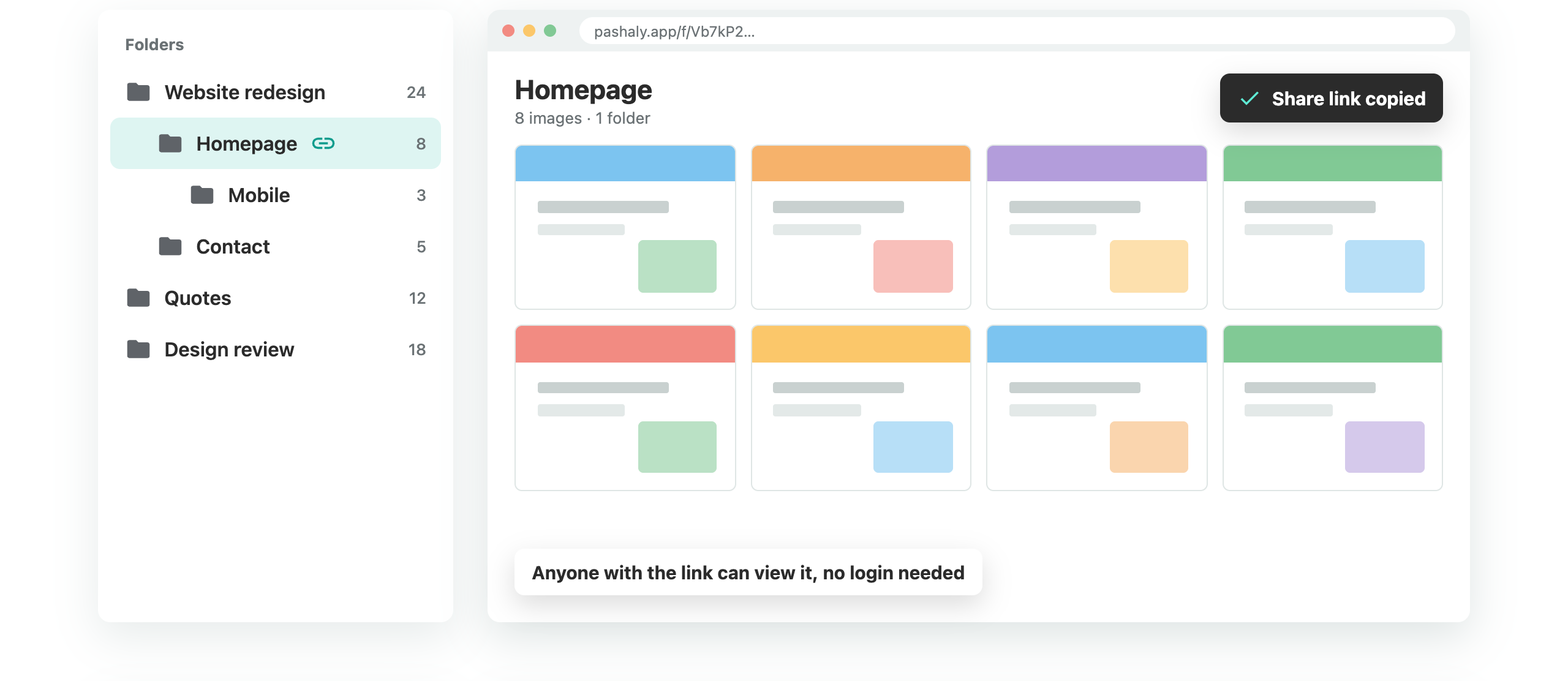
Organize in folders, share the whole folder
Share a folder and people can see all the images inside.
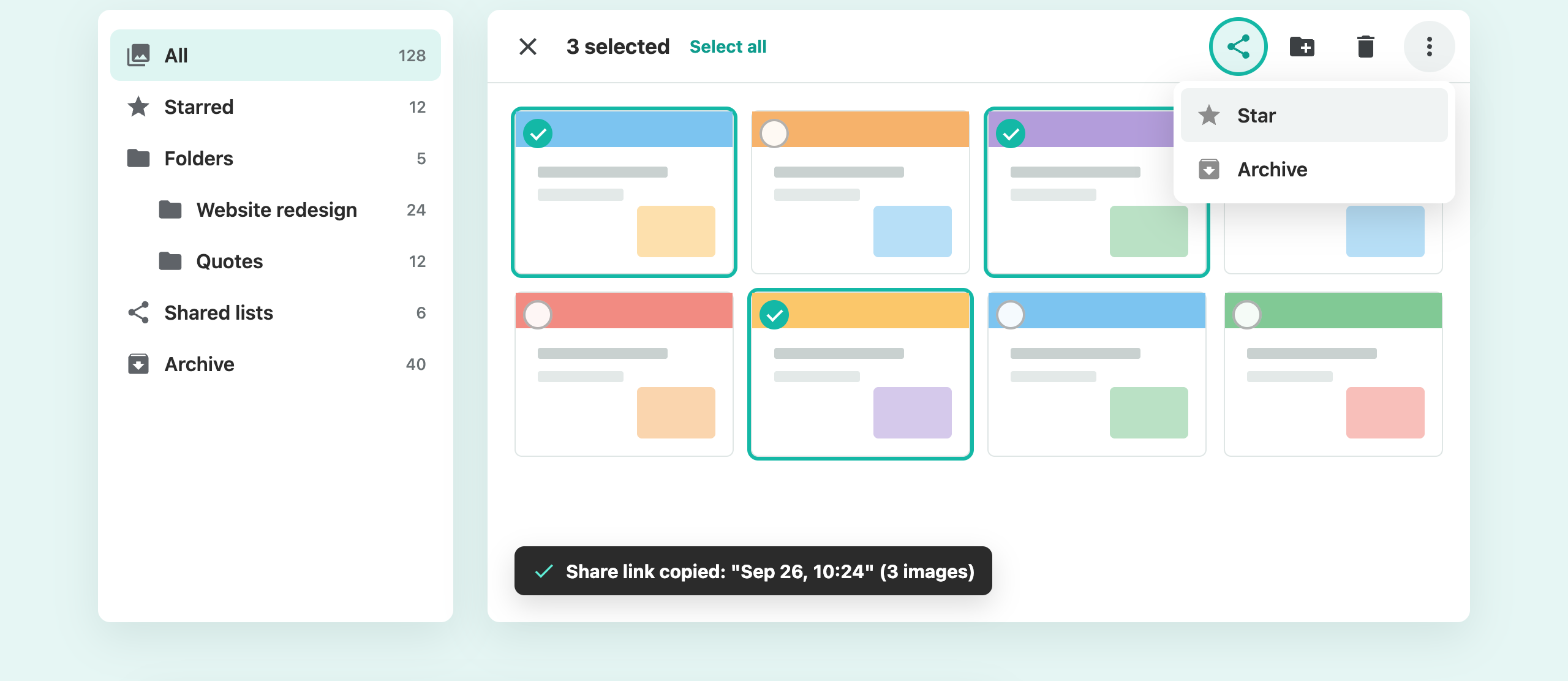
Selected images, all in one link
Star the images you use often. Archive the rest to keep your list tidy.
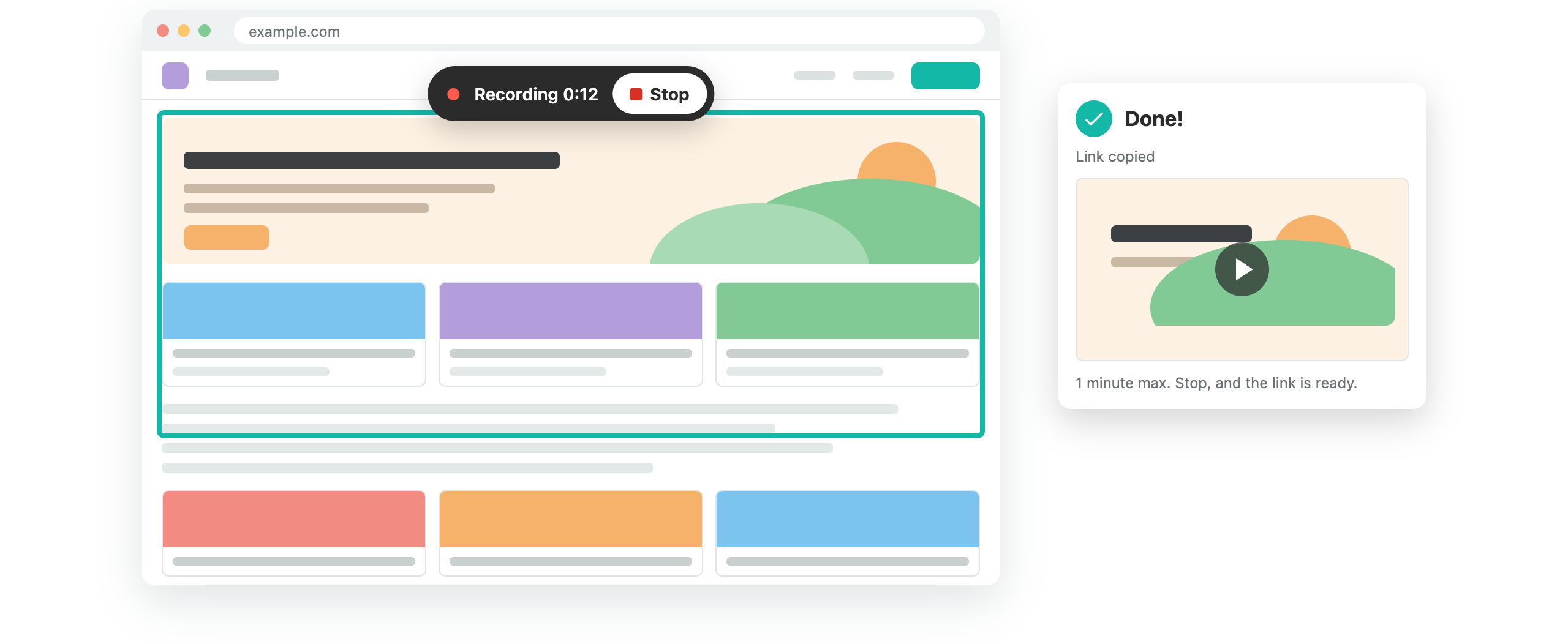
Record your screen, share a video
The current tab or any other app. Record up to one minute per video.
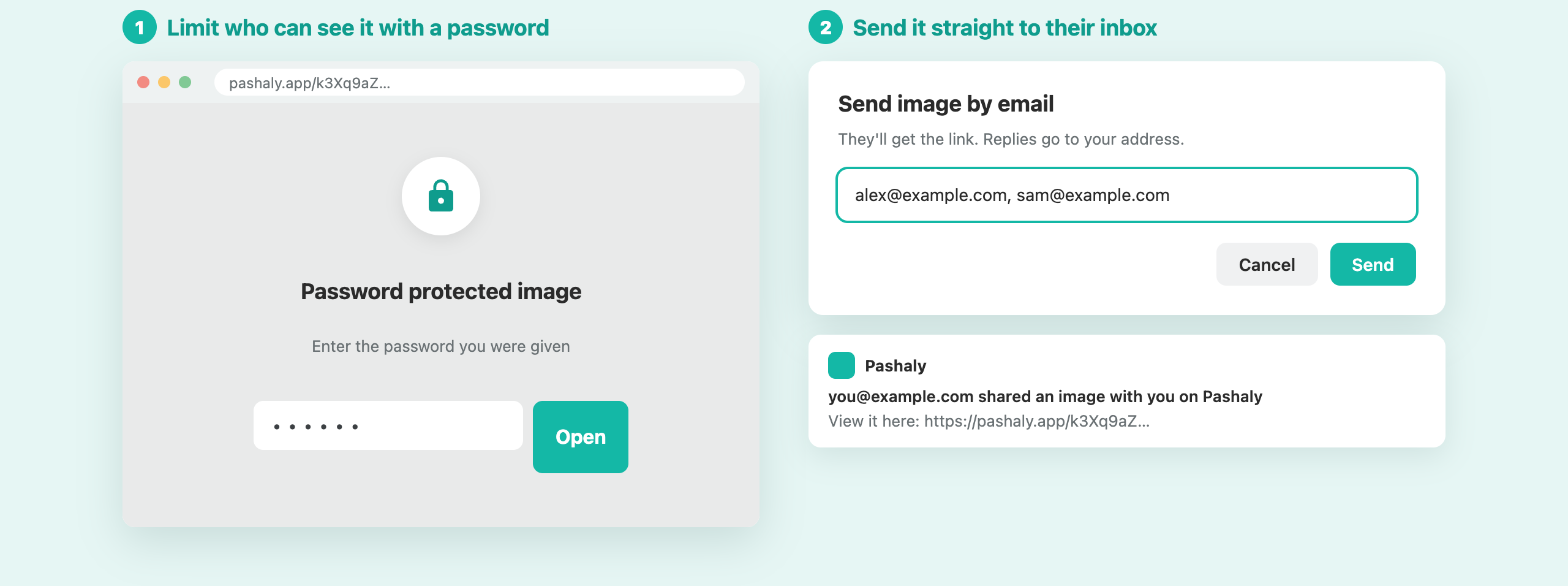
Control who can see it
Links are too long to guess. You can also add a password or send them straight to someone's email.
Start capturing
No login needed just to capture. Logging in only takes the code sent to your email.